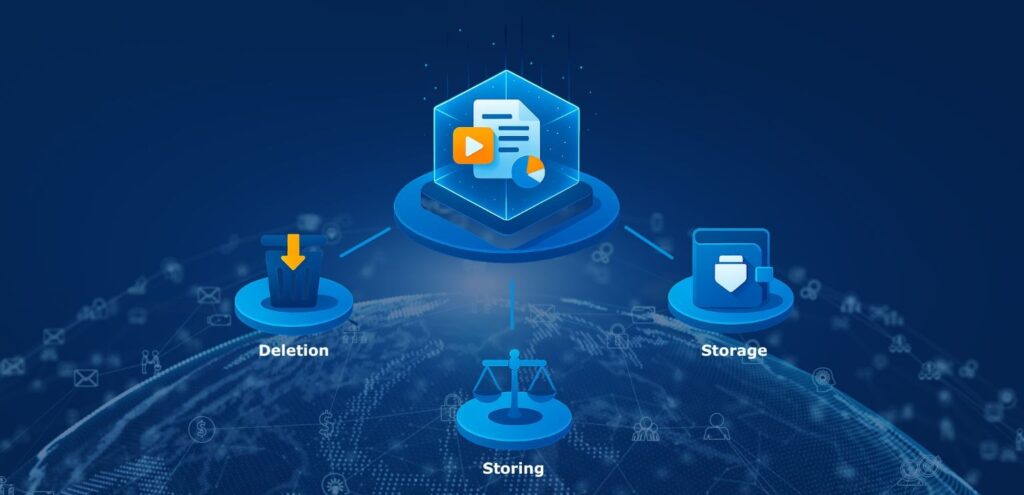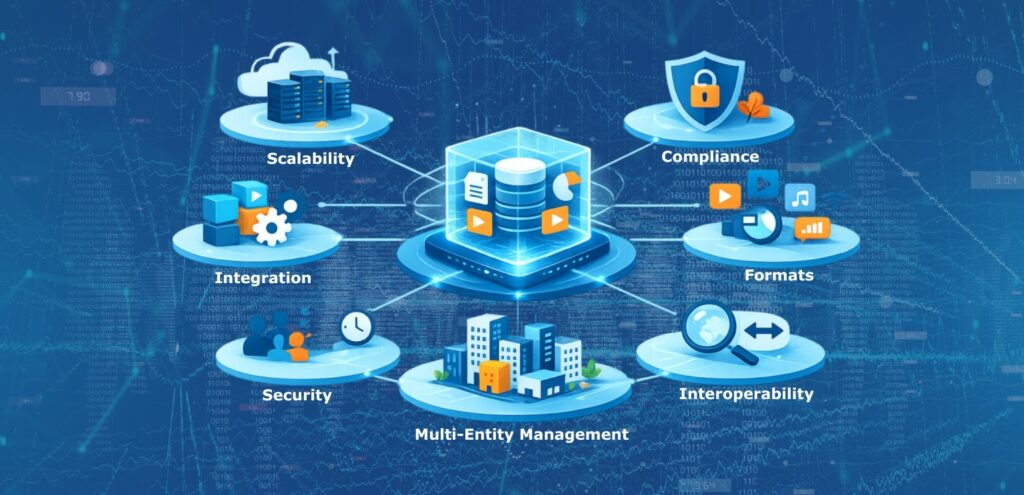


The terms SAE, ECM, GED, and CFN are often used in the field of information management, yet each refers to a distinct concept.
SAE (Electronic Archiving System)
An SAE is a software solution designed to securely and durably preserve electronic documents, ensuring their integrity (or evidential value), authenticity, and accessibility over the long term.
ECM (Enterprise Content Management)
ECM is also a software solution that encompasses the strategies, methods, and tools used to capture, manage, store, preserve, and distribute digital content and documents linked to organizational processes.
GED (Electronic Document Management)
GED (Gestion Électronique des Documents) refers to the digital management of documents, including their creation, modification, storage, distribution, and archiving. It facilitates access to and sharing of information within an organization.
CFN (Digital Safe)
A digital safe is a secure service designed to store, index, and retrieve sensitive digital files or objects such as administrative documents, invoices, statements, contracts, photos, and videos. This service is typically accessible online via the internet. The term “digital safe” can also refer to a storage component of an electronic archiving system (SAE), which is why the two are sometimes confused.
SAE, GED, ECM: Why the Confusion?
The confusion between SAE, GED, and ECM stems from their shared goal managing information within organizations, both private and public. However, their functions differ significantly. GED focuses on day-to-day document management, simplifying their creation, modification, and sharing. ECM takes a broader approach, incorporating GED functionality and adding components such as records management, workflow automation, and collaboration tools.
SAE, on the other hand, specializes in the long-term archiving of electronic records and objects (digital preservation), ensuring secure retention in compliance with national (AFNOR) or international (eIDAS) regulations. Confusion increases when some ECM solutions claim to include GED and SAE functions, blurring the lines between these systems.
It is therefore essential to clearly understand each system’s specific characteristics to avoid confusion, which is often reinforced by marketing claims from software vendors who present their solutions as all-encompassing.
What an ECM Should Do
An ECM must provide complete lifecycle management of content from its creation to its archiving or deletion. It should enable the capture of a wide variety of digital content (documents, emails, images, videos, etc.), their classification, secure storage, and controlled distribution.
An ECM aims to enhance productivity by facilitating fast collaboration among users and offering workflow tools that automate business processes. As a central component of an organization’s data management strategy, it should integrate seamlessly with the IT system including tools such as CRM, ERP, and messaging applications.
Because ECMs serve many internal and external users, they must deliver high performance and responsiveness. Finally, an effective ECM should include advanced search capabilities, allowing quick and relevant access to essential information.
What an SAE Does Compared to an ECM
An Electronic Archiving System (SAE) differs from an ECM primarily through its focus on long-term preservation of digital documents and objects. While people commonly think of documents, the archived object can just as easily be a log, a calculation, or a fiscal trail.
The SAE guarantees the integrity, authenticity, and durability of archived objects in accordance with strict regulatory or integrity standards. It also ensures full traceability of access and any modifications, providing a complete audit trail of document history.
Unlike ECM, which emphasizes active management and distribution of content, SAE is mainly oriented toward secure storage and preservation.
When combined effectively, ECM and SAE solutions provide organizations with a complete approach from active content management to compliant, long-term digital archiving.
Summary Table of Key Differences
| Function | Backup | Storage | HSM (Hierarchical Storage) | Archiving | Document Management |
|---|---|---|---|---|---|
| Primary User | Operator | Operator | Operator | Archivist, Project Manager, Risk Manager | End Users, Department Systems |
| Objective | Disaster prevention/human error avoidance | Data deposit | Cost reduction | Conservation and risk prevention | Productivity and user comfort |
| Retention | Under 1 year | / | Based on application lifespan | Very long term, independent from source applications | Live documents, proprietary |
| Durability | No | No | No | Yes | No |
| Evidential Value | No | No | No | 90% of cases | No |
| Search Tools | No | No | No | Metadata | Metadata or Full Text |
Although the terms SAE, ECM, and GED are sometimes used interchangeably, they describe different functions in information management. SAE focuses on the secure and long-term preservation of documents, ECM on the complete and strategic management of enterprise content, and GED on electronic document handling. Understanding these distinctions is essential for building an effective information management strategy and selecting tools that address your organization’s specific needs.
“They are functionally opposed, but new use cases are making them inevitably converge.”
In 2025, an enhanced version of our ARCSYS software solution will be released. This advanced version will include new features covering 100% of the capabilities of the content management tools described above. From digital object capture to archiving and integration into business workflows, ARCSYS will combine the complete functionality of an ECM, GED, SAE, and CFN into a single solution.
Whether deployed on-premise or in SaaS mode, ARCSYS will represent the ultimate synthesis of a modern content management and archiving system delivering comprehensive control over the entire information lifecycle.
This evolution reflects our commitment to helping organizations optimize content management while complying with long-term preservation and regulatory standards.