

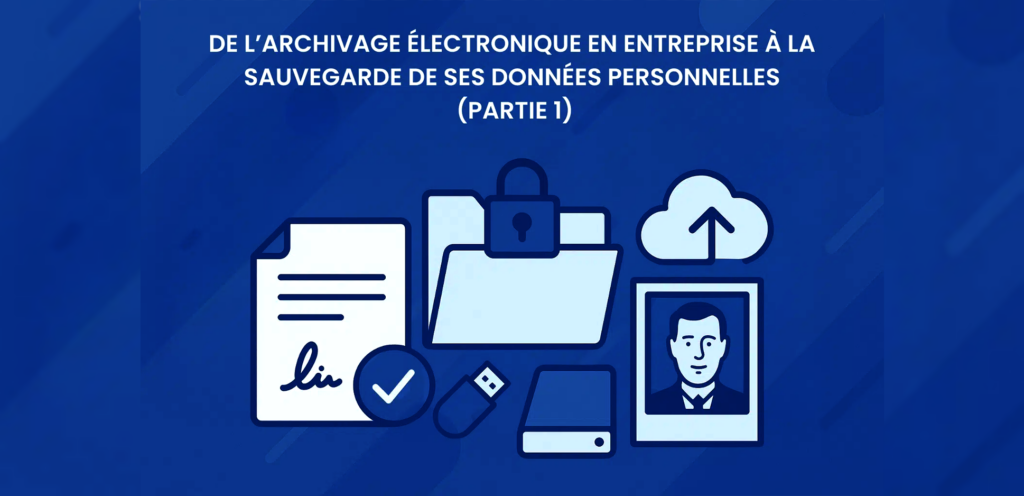
It can’t be said enough: backup and archiving are not the same thing. And it may seem odd to compare the legally required archiving of accounting documents by a company with backing up your family photos and videos. Yet my professional experience with the former, and my personal experience with the latter, have taught me some lessons on how these two worlds converge, lessons I would like to share in a series of articles.
Archiving important documents… with limited resources
Just as a business must distinguish between documents with different legal or economic significance, each of us also manages personal documents that we consider important:
- Administrative documents, such as tax records, diplomas, or payslips.
- And emotional assets, such as family photos and videos.
For most people, spending years carefully preserving family memories only to lose everything in a sudden hard‑drive crash would be experienced as a real catastrophe.
Interestingly, much like in a company, one person in a household is often responsible not only for their own documents but also for those of other family members. This creates a form of delegated responsibility, similar to an organization’s archiving department.
These parallels should encourage each of us to take a moment to define a coherent personal backup “strategy,” along with a realistic monthly budget. Should you invest €5 per month? €20? The available budget will shape the options and inevitably require certain trade‑offs.
Before you archive, you must sort
The first step is deciding what to back up:
- Start by identifying the different categories you want to preserve: photos, videos, administrative or professional documents, and also less obvious items such as emails, text messages, browser bookmarks, voice messages, or even scanned paper keepsakes. Write down a clear list of every category you intend to keep; it will help you track what has already been backed up and what still needs attention.
- Next comes the actual selection. Keeping too much has several drawbacks that people tend to overlook. The most obvious is volume: more data means higher storage costs, longer backup times, and a greater environmental footprint. But there is another issue: an excessive amount of material can “bury” the truly important items, the ones you’d want your descendants to find and appreciate.
Here are some criteria that can help you decide what not to keep:
- The document is not personal and a public copy already exists online, for example a user manual, a recipe, or a video. When it comes to photos, ask yourself whether that picture of the Eiffel Tower or a random hill will truly matter to your grandchildren. However, be careful: online content may not remain available forever. If you consider a document to have essential value, then keeping a local copy can be justified.
- The document is a draft or a working copy of another file. Keep only the final version.
- The document is of poor quality, such as a slightly blurry photo or a low‑resolution video. This is a valid reason to delete it. This article is very informative on how to select your best photos quickly: https://digital-photography-school.com/taking-out-the-garbage-7-tips-for-choosing-your-best-photos-fast/
Choosing the right storage: local and cloud
Another point of convergence is the choice of how many copies to keep and what type they should be, which is one of the most important considerations when developing a storage strategy.
The best-known rule is the “3-2-1 rule,” formulated by photographer Peter Krogh: 3 copies on 2 different types of media, with 1 stored off-site. The 3 copies include the original version, for example the photos taken on a smartphone.
The off-site copy is crucial. If a backup is stored in the same physical location as the original data, it cannot be considered safe; a fire or a flood could destroy both the originals and the backup, making it useless. Keeping a copy on an external hard drive or a USB stick that you regularly bring to a family member’s home can be a good solution, provided that this person stores it under proper conditions.
Another solution that often proves ideal is to combine cloud and physical storage. If your cloud provider experiences a major failure, your disk copy remains intact. Conversely, if your laptop is stolen, there is no issue because the cloud copy takes over.
If you want a more precise idea of the benefit of keeping several copies, a simple mathematical calculation is enough to be reassured (see for example “Probability and Statistics for Computer Scientists,” Michael Baron, https://tinyurl.com/ye23tt6b). Suppose a disk has a 1% failure rate and two backups each have a 2% chance of failure; the probability of a complete data loss drops to approximately 0.0004%, or 99.9996% reliability, compared to “just” 99% with a single drive
The question of data integrity
At the heart of archiving lies the question of data integrity, ensuring the preservation of files exactly as they were originally created, down to the last byte.
For this purpose, using a digital safe, a secure online vault designed specifically for storing documents, is a good solution. With such services, there is no concern about integrity, sincethe provider guarantees that files are preserved without alteration. However, realistically, storing hundreds of gigabytes of photos and videos in a digital safe is a solution that is financially difficult to consider for an individual.
Cloud storage providers sometimes offer sorting and management tools that are so convenient that users might be tempted to treat them as their primary repository. Taking the example of photos, Google Photos has become a increasingly powerful tool for handling, sorting and organizing them into albums. Other providers are more basic and simply offer low cost cloud storage, such as AWS.
However, these cloud spaces are not vaults: they provide no guarantee at all regarding file degradation. Considering photos in particular, it is well known that an Android phone, by default, will upload reduced quality images to Google Photos in order to save space. Google even gives a rather cryptic recommendation on its help page, stating that “this option is not recommended for photos above 16 Mpx and videos above 1080p”. But in 2023, which smartphone produces photos under 16 Mpx?
Finally, while cloud storage costs scale with usage, providers do not always make it easy to predict expenses, especially when changes in hardware (like a higher-resolution phone camera) lead to larger file sizes, which in turn rapidly increase storage costs.
Reversibility: avoiding vendor lock-in
Whether you use a digital safe or a basic cloud storage service, the question of reversibility is essential, especially if you want to apply the principle mentioned earlier of keeping a physical backup on a hard drive. Can you retrieve all your cloud data with a single click? It may seem obvious, but providers often appear to make this intentionally difficult, likely to keep customers tied to their systems. Before choosing a provider, you should always review the reversibility measures they put in place.
Continuing with the example of Google, its bulk download tool Google Takeout is widely known to be inconvenient to use (see https://tinyurl.com/3b624txn). You will often end up performing a full export, and having a very high speed internet connection is highly recommended. However, it is worth noting that the exported format is simple and usable: folders containing metadata files and the raw data.
Coming up next
In the next part of this series, we will explore other essential aspects to consider: storage migration, retention duration, metadata importance, and the long term sustainability of formats.